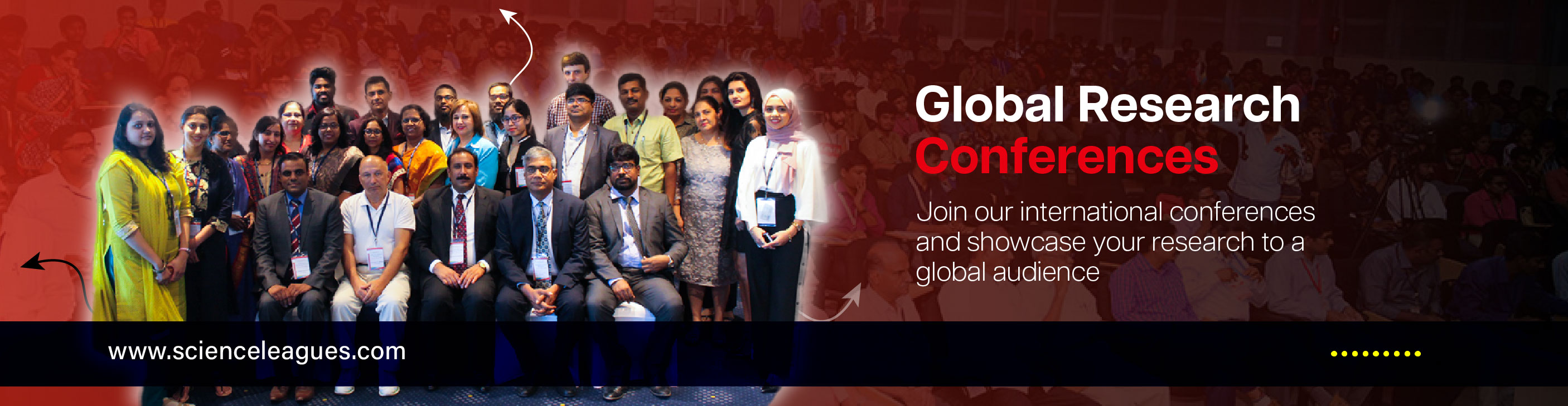
Science Leagues ensures a seamless virtual conference experience, allowing participants to present their research, engage in discussions, and network with experts worldwide.
 The virtual conference will be hosted on Zoom/Google Meet/Microsoft Teams (platform details will be shared before the event).
Registered participants will receive the meeting link, ID, and password via email before the event.
Ensure that you log in at least 15 minutes before your scheduled session to avoid last-minute issues.

A stable internet connection (minimum 5 Mbps recommended).
A laptop or desktop with a webcam and microphone.
The latest version of Zoom/Google Meet/Microsoft Teams installed.
A quiet environment to avoid background noise during presentations.


Duration: Each presenter will have a fixed time slot as per the conference schedule.
Slide Format: Presentations must be in PowerPoint (PPT) or PDF format.
Screen Sharing: Participants must be familiar with the screen-sharing feature of the platform.
Backup File: Keep a backup of your presentation in case of technical difficulties.
Mute your microphone when not speaking to avoid disruptions.
Use the ‘Raise Hand’ feature for questions or comments.
Introduce yourself briefly before presenting your paper.
Engage in discussions and respect fellow participants' time and opinions.


The conference sessions may be recorded for future reference.
E-certificates will be issued to all virtual presenters and attendees after the event.
For any technical assistance before or during the conference, please contact:
Email: [email protected]
WhatsApp: +91 8870915303